
Superbuy spreadsheet
Find products on KA Spreadsheet, save the links you like, and compare your picks before ordering with Superbuy.
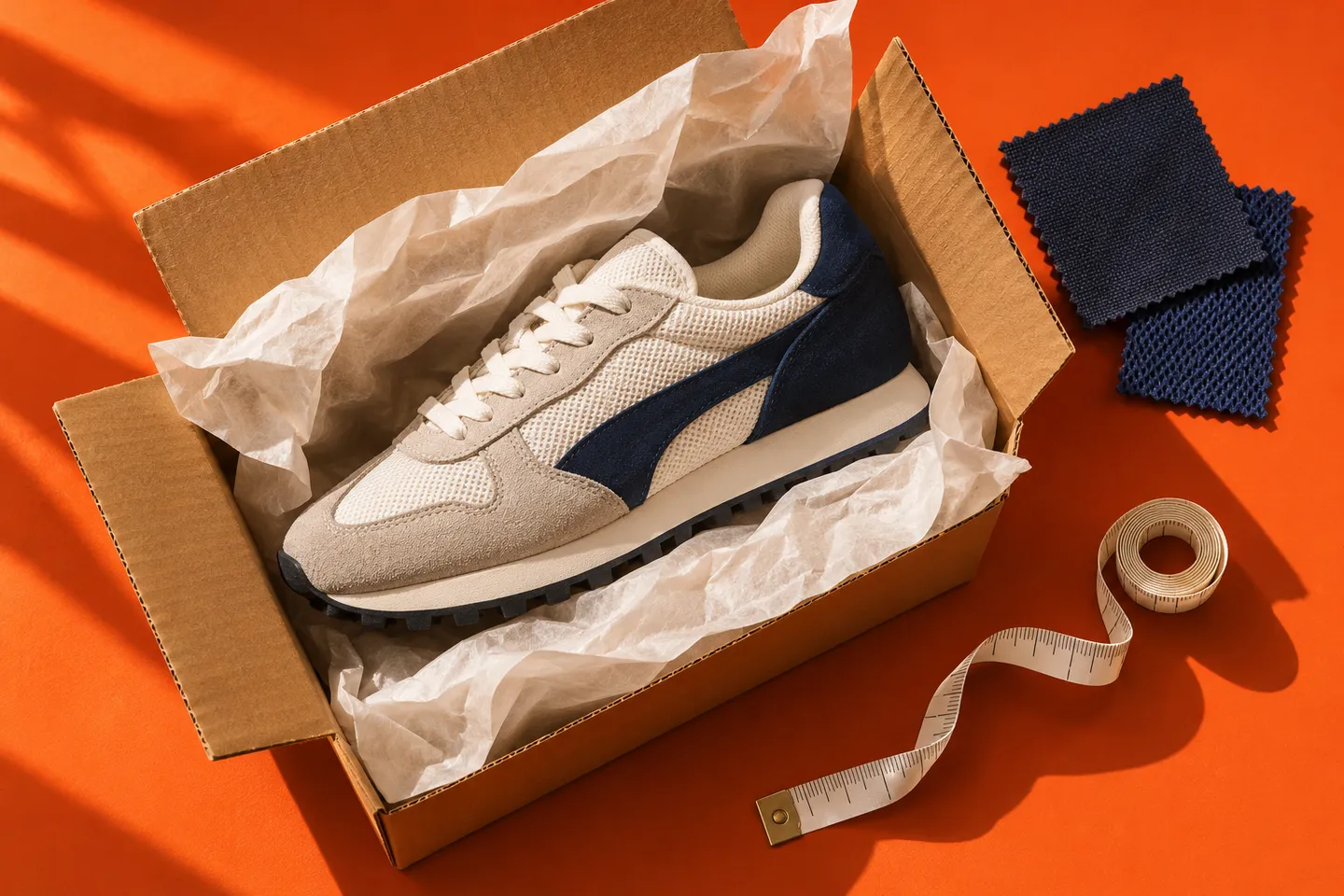
Product categories
Open a category on KA Spreadsheet to find seller links.
Shoes
Compare insole lengths for the exact size.
Hoodies & sweaters
Check the chest width and sleeve length.
T-shirts
Check fabric weight for the chosen color.
Jackets
Measure a jacket that fits over your usual layers.
Pants & shorts
Compare the rise and inseam with a pair you wear.
Headwear
Check the fit range and closure type.
Sets
Confirm which pieces come with the selected option.
Underwear
Compare the pack count and fabric composition.
Jerseys
Check whether lettering is printed or stitched.
Accessories
Confirm what the selected option includes.
Bags
Check the opening width and strap drop.
Belts
Measure to the hole you use on a belt that fits.
Perfumes
Superbuy lists perfume as prohibited for shipping. Browse for research.
Other finds
Check the dimensions and what comes in the box.
No categories match your search.
Your watchlist
Paste a product link to keep it in this browser.
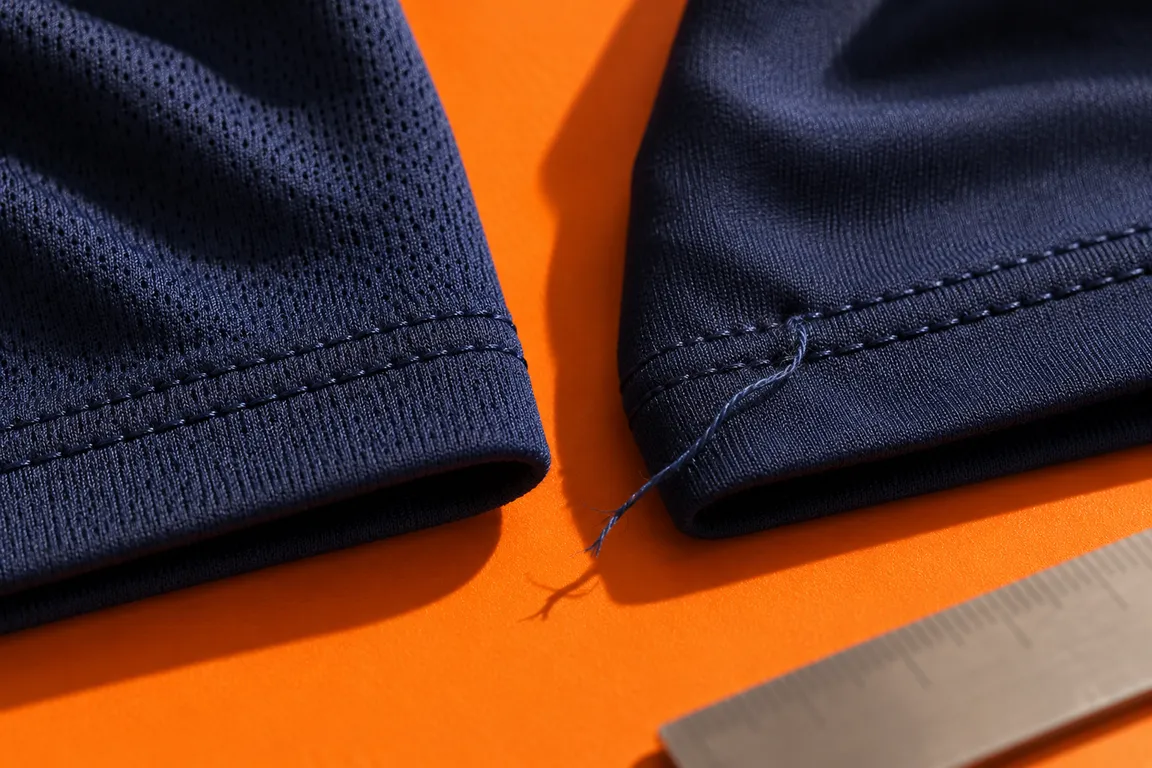
Compare Superbuy listings
Take two saved links and compare the same three things for each one. Start with the option you would actually buy, then check fit and delivery cost.
Compare listingsFrequently asked questions
What is a Superbuy spreadsheet?
It is a directory of links to product listings. Browse KA Spreadsheet, then open the original seller page to check the variant, price and delivery terms before ordering.
Where are my saved links stored?
Your watchlist stays in this browser and is available across the site’s language versions. Clearing this site’s browser data removes the saved links.
What should I check in Superbuy QC photos?
Match the size label and color to your selected option. If fit depends on a specific measurement, request a photo with a ruler or tape measure placed where you would measure your own item.